
Change MFA settings
- Sign in with your company email address and the corresponding Citrix password.
- During the MFA prompt, select “Other ways to sign in”.
- Use your preferred alternative MFA method.
- Under the default sign-in method, select “Change” and choose your preferred method.
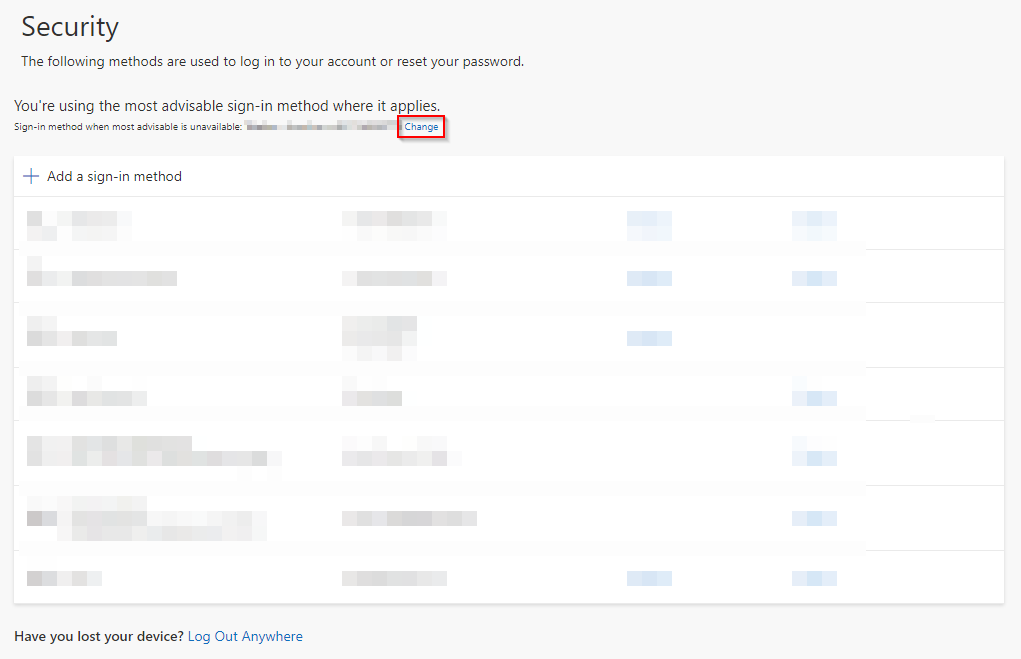
It may take up to 15 minutes before Citrix uses the new default method.
Open security information →